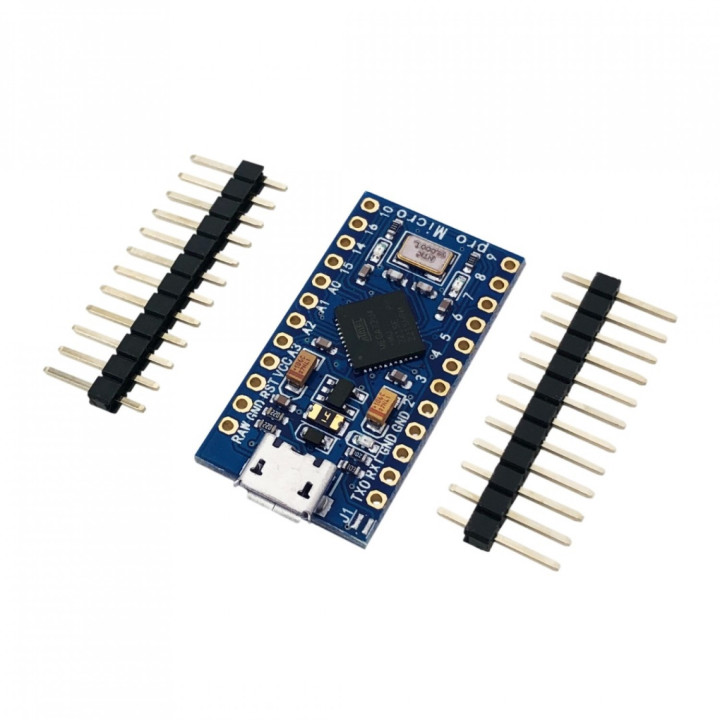
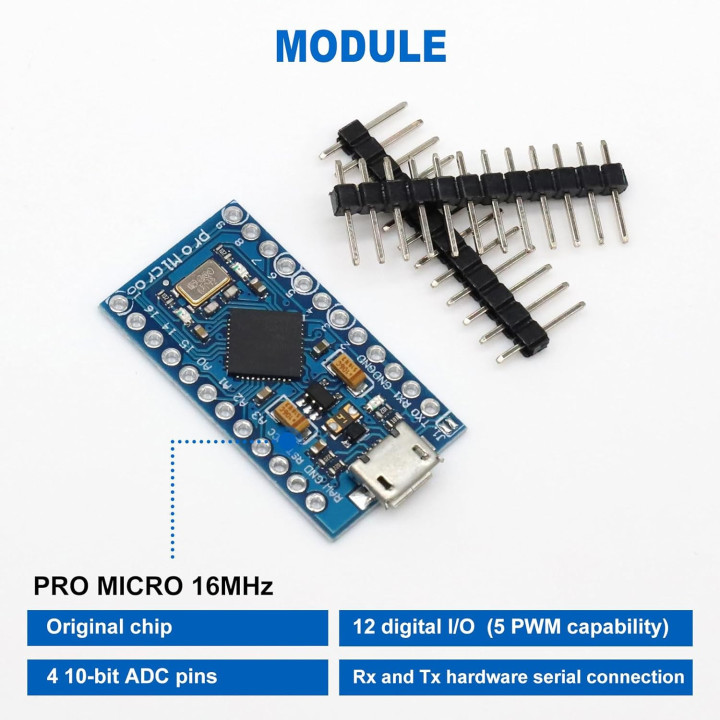
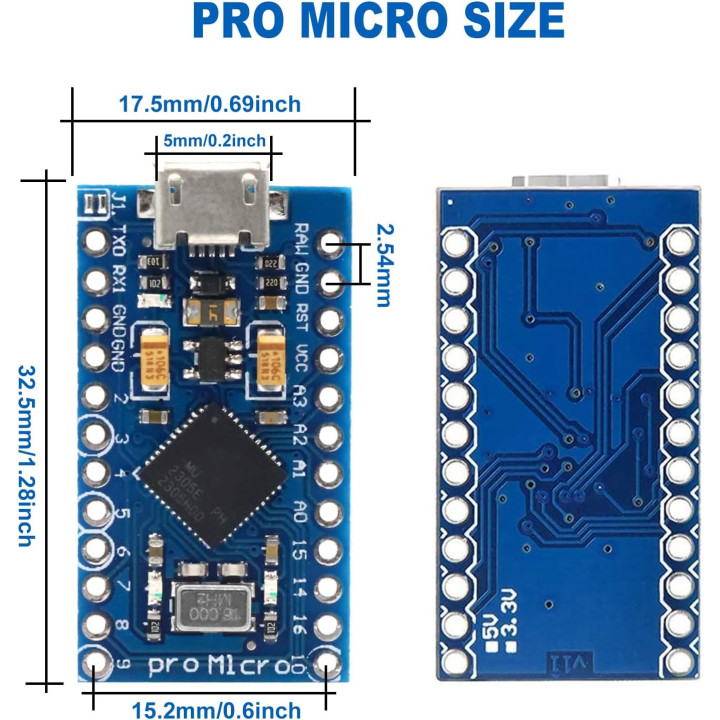
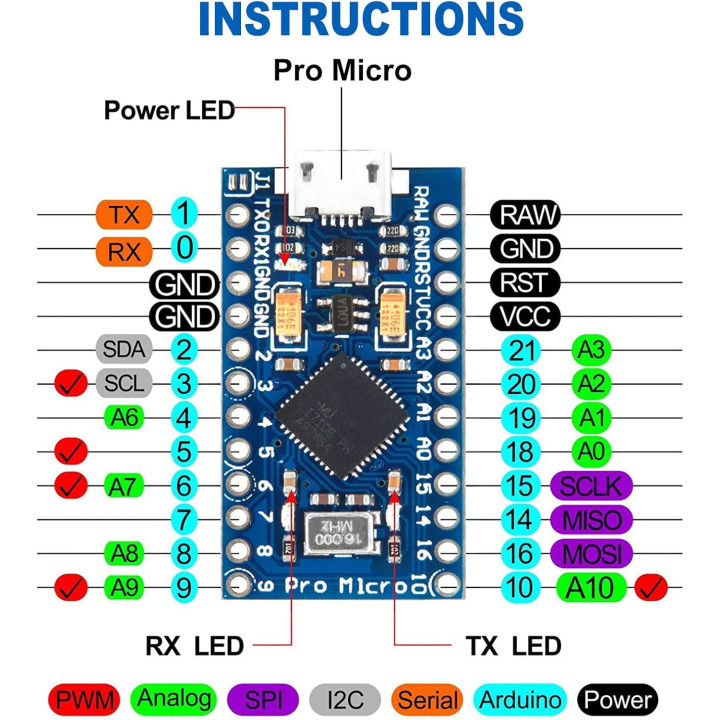
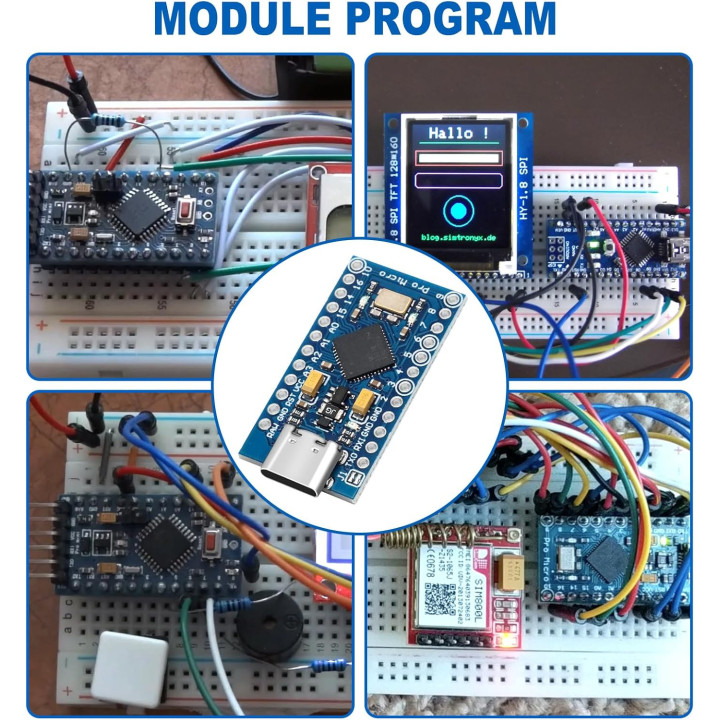
Board Arduino Pro Micro Chip 32U4 a 5V 16Mhz

Price: €5.95
Tax included

Share

Arduino Pro Micro Chip 32U4 board

Like do you use it?

1. Connected to the computer. (If the module is not recognized by the computer, install the driver first.)

2. Open the IDE and load the Blink sketch.

3. Set the board to Leonardo and select the appropriate COM port (it is already identified as Leonardo in the list).

4. Connect a LED to pin 9 and modify the sketch accordingly.

5. Press upload and within a few seconds the LED flashes.

Pro Micro with 32U4 Chip Development Boards

Note:

When the IDE software opens, go to the tool and choose the “Leonardo” or “Genuino Micro” tab.

  • Brand
  • Reference
    DK-ARP32U4
  • In stock
    8 Items

  • Modello
    Altro
Real Stock Availability 100%
Order Delivery in 2-3 days
Pay with Paypal, Amazon or Bank

Comments (0)

No customer reviews for the moment.

4 other products in the same category

Clients also bought

Loading...
Back to top