
What JammASD is and why it's the most complete solution to connect a PC, Raspberry Pi or Mister FPGA to an original...
Latest posts
-
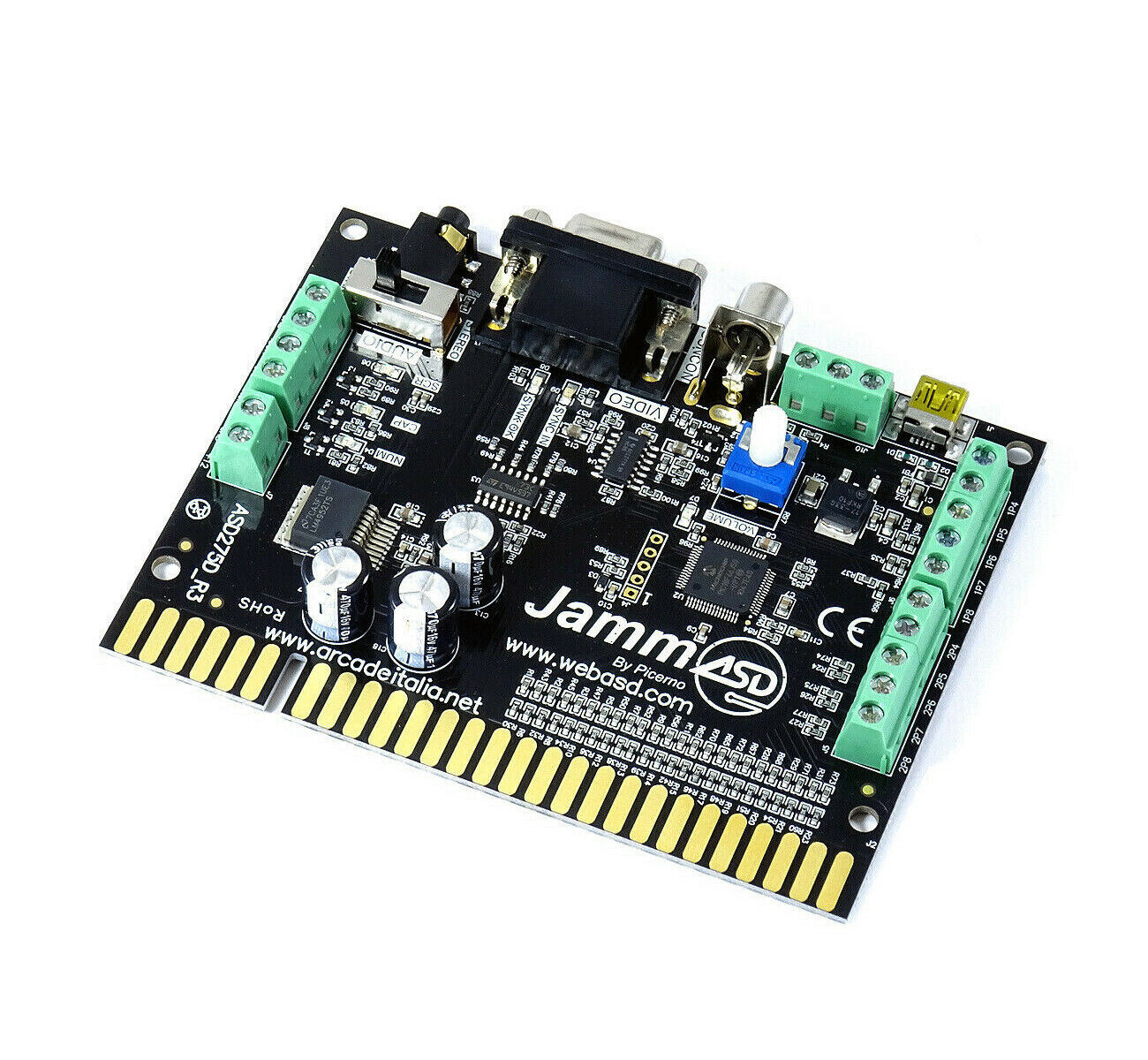 JammASD: the board that connects your PC and Raspberry Pi to a Jamma cabinet (Introduction)Read more
 -
 80s and 90s Anime Robots — The Nostalgia That Never FadesRead more
Goldrake, Mazinga Z, Jeeg Robot, Captain Harlock — the anime robots and cartoons of the 80s and 90s that shaped an...
-
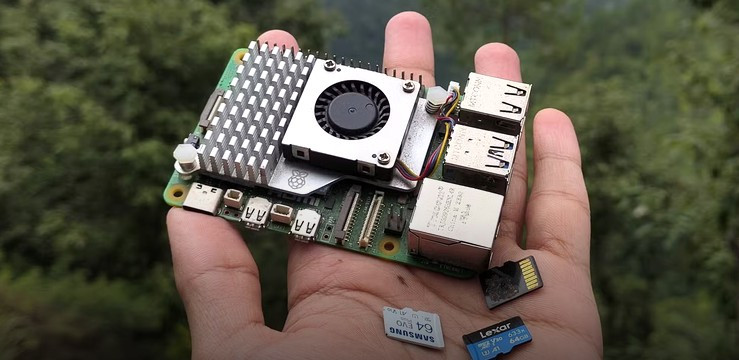 microSD Backup and Restore for Raspberry Pi — Batocera and RetroPieRead more
Running Batocera or RetroPie on your Raspberry Pi and want to protect your setup? Creating a microSD backup is simple...
-
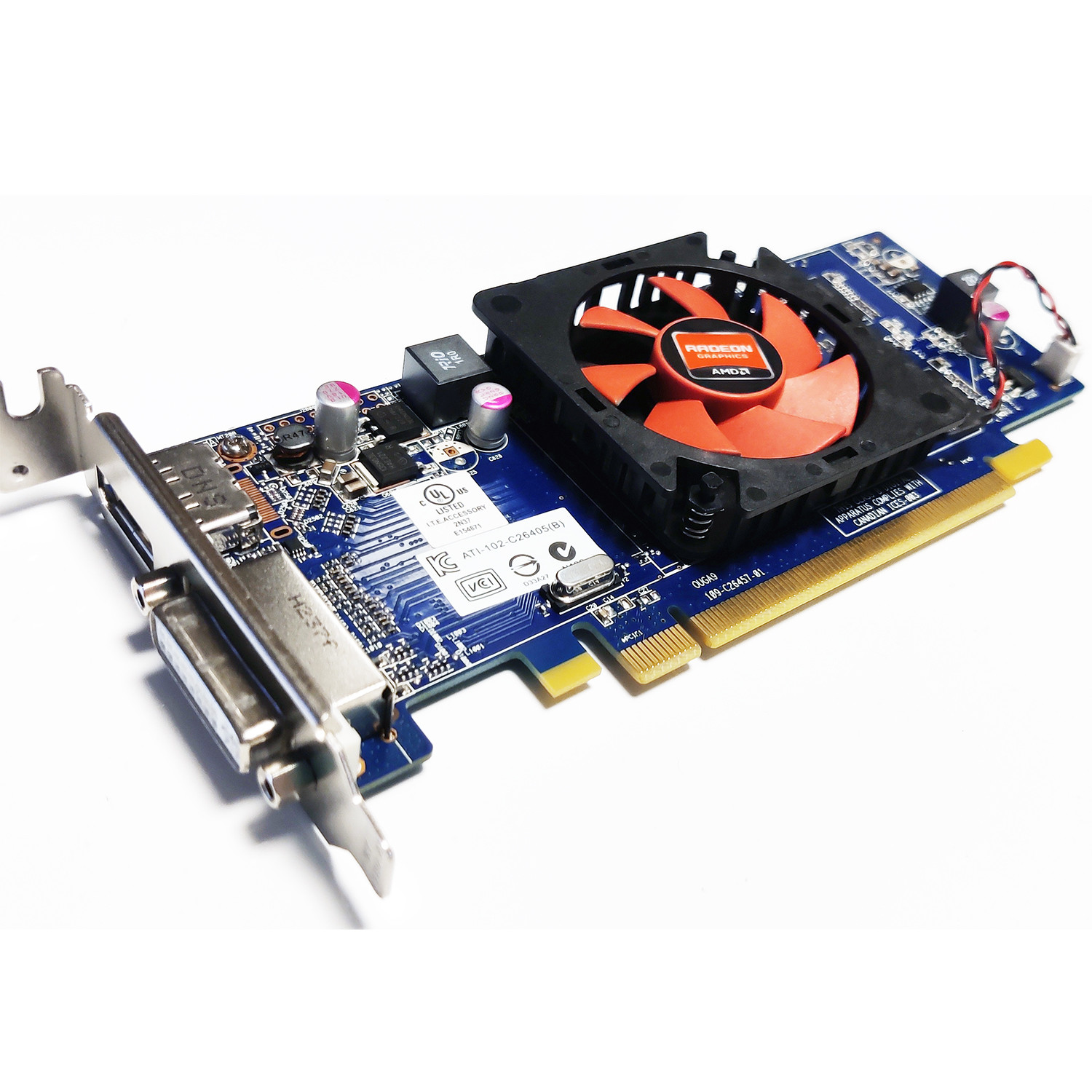 ArcadeVGA ATI 7470 on Arcade Cabinet: CRT Boot with ATOM-15 BIOS FlashRead more
Complete guide to flashing the BIOS of an ATI 7470 graphics card with ATOM-15 to get video output from boot on CRT...
-
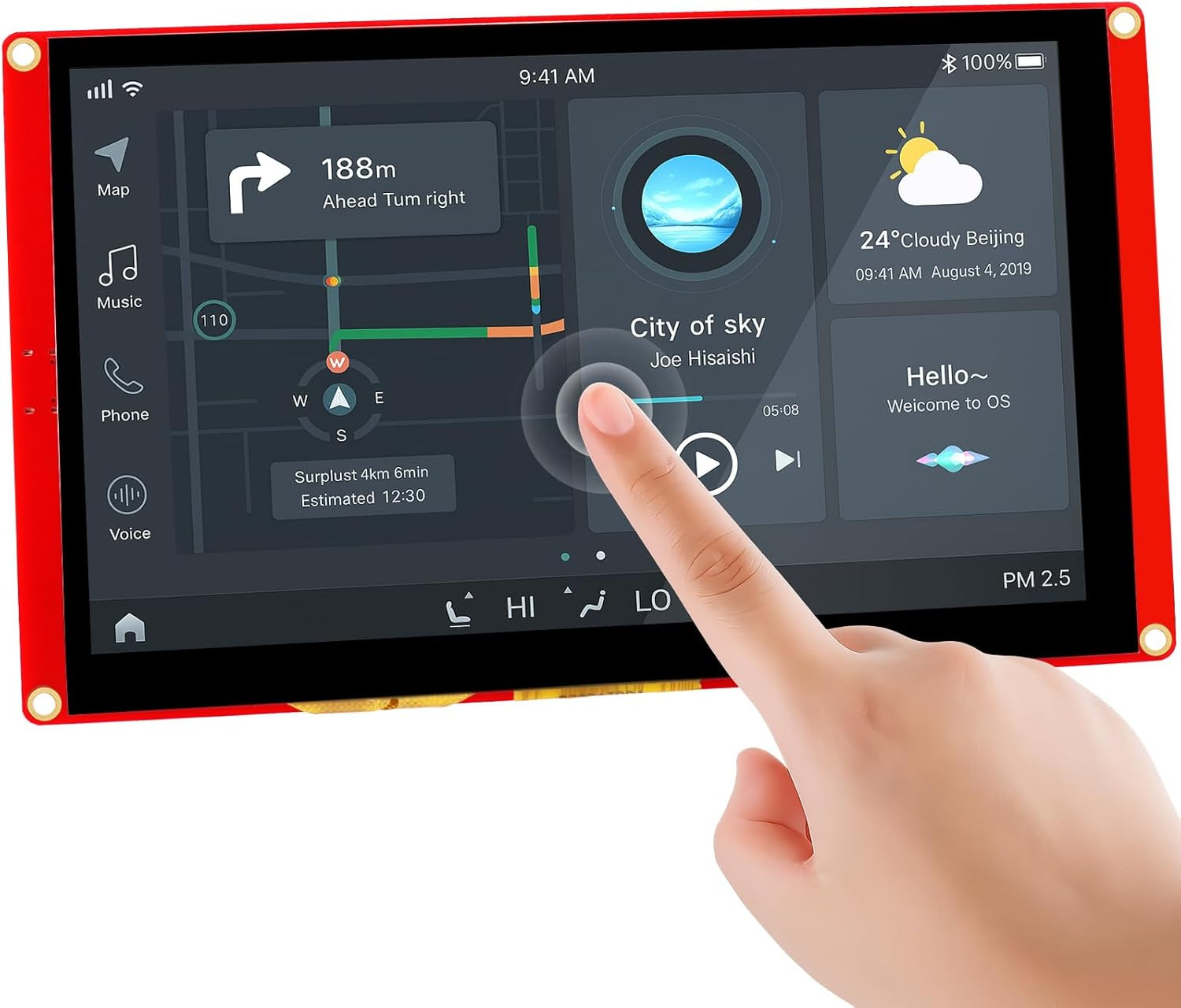 Nextion Intelligent Series: FFC GPIO Connector Pinout - Complete GuideRead more
The FFC GPIO connector on Nextion Intelligent Series displays is undocumented by Nextion. After an in-depth analysis...
-
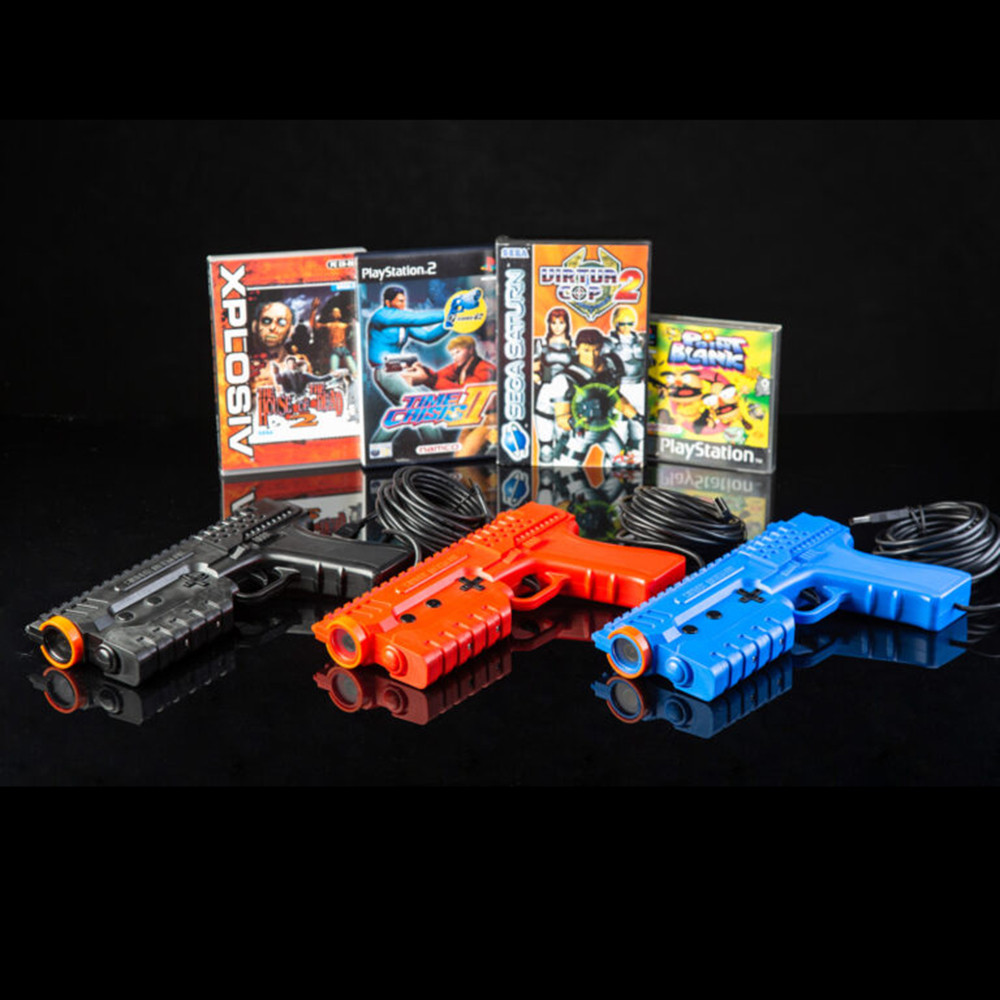 Sinden Lightgun: the arcade gun that actually works on any modern TVRead more
Ever tried using an arcade light gun on a modern TV? It doesn't work. The Sinden Lightgun solved this problem in a...
Blog categories
Search in blog
Archived posts
JammASD: the board that connects your PC and Raspberry Pi to a Jamma cabinet (Introduction)
If you own an arcade cabinet with original Jamma wiring and connector, you already know the problem: replacing the old motherboard with a PC, a Raspberry Pi or a Mister FPGA means handling controls, audio and monitor protection without improvised soldering and without risking damage to the hardware. That's exactly the problem JammASD was built to solve.
What is JammASD
JammASD is an electronic interface made by ASD (Advance Systems Development) that plugs directly into the cabinet's Jamma connector on one side, and to the PC via USB on the other. Once connected, the system recognizes it as a standard HID device (keyboard), so no special drivers are required: it's plug & play.
It's designed to be the bridge between modern electronics (PC, Raspberry Pi, Mister FPGA) and the standard Jamma wiring of the cabinet, handling in a single device everything that used to require several separate boards.
What the board handles
- Controls: up to 32 digital inputs and 8 analog inputs, enough for action buttons, joysticks, coin and start for multiple players.
- Audio: built-in stereo amplifier, feeding audio directly to the cabinet's speakers.
- Lightgun: dedicated RCA connector for light guns.
- Monitor protection: a system that checks the video signal is working correctly, protecting the CRT monitor from potentially harmful frequencies.
- Video: VGA SubD15 output, with a built-in video amplifier to boost the signal if it's too weak.
One important point to clarify right away: JammASD does not convert the video signal to 15KHz, it only checks that it's working correctly. If your CRT monitor runs at 15KHz and your PC's graphics card can't generate that frequency natively, you'll still need a conversion card (for example an ArcadeVGA) or a software solution like Soft15Khz. We'll cover this in more detail in the configuration guide.
What's in the box
- 1 JammASD USB PCB
- 1 stereo mini jack male/male cable
- 1 VGA cable
- 1 mini USB power cable
Why choose JammASD
Compared to DIY solutions with separate boards for controls, audio and video, JammASD packs everything into a single, fully reprogrammable device: with the dedicated configuration software you can remap the buttons on your setup to match what the PC detects, tailoring the board to your specific project.
It's the most direct way to bring an original Jamma cabinet back to life with a PC, Raspberry Pi or Mister FPGA, without touching the cabinet's existing wiring.
Coming up next
In the next article we'll walk through installing and using the JammASD configuration software step by step: mapping controls, setting up hotkeys, and testing everything before closing up the cabinet.
Check out the JammASD board in the Digitalkey.it catalog.
Posted in:
Retrogaming
Related posts
-
Sinden Lightgun: the arcade gun that actually works on any modern TV
Ever tried using an arcade light gun on a modern TV? It doesn't work. The Sinden Lightgun solved this problem in a...Read more
-
microSD Backup and Restore for Raspberry Pi — Batocera and RetroPie
Running Batocera or RetroPie on your Raspberry Pi and want to protect your setup? Creating a microSD backup is simple...Read more
-
80s and 90s Anime Robots — The Nostalgia That Never Fades
Goldrake, Mazinga Z, Jeeg Robot, Captain Harlock — the anime robots and cartoons of the 80s and 90s that shaped an...Read more
Leave a comment